Mileage, a tax summary, and the contractors you pay
Log business miles per trip, see a quarterly tax set-aside, keep expense categories that match Schedule C, and track the subcontractors who will need a 1099.
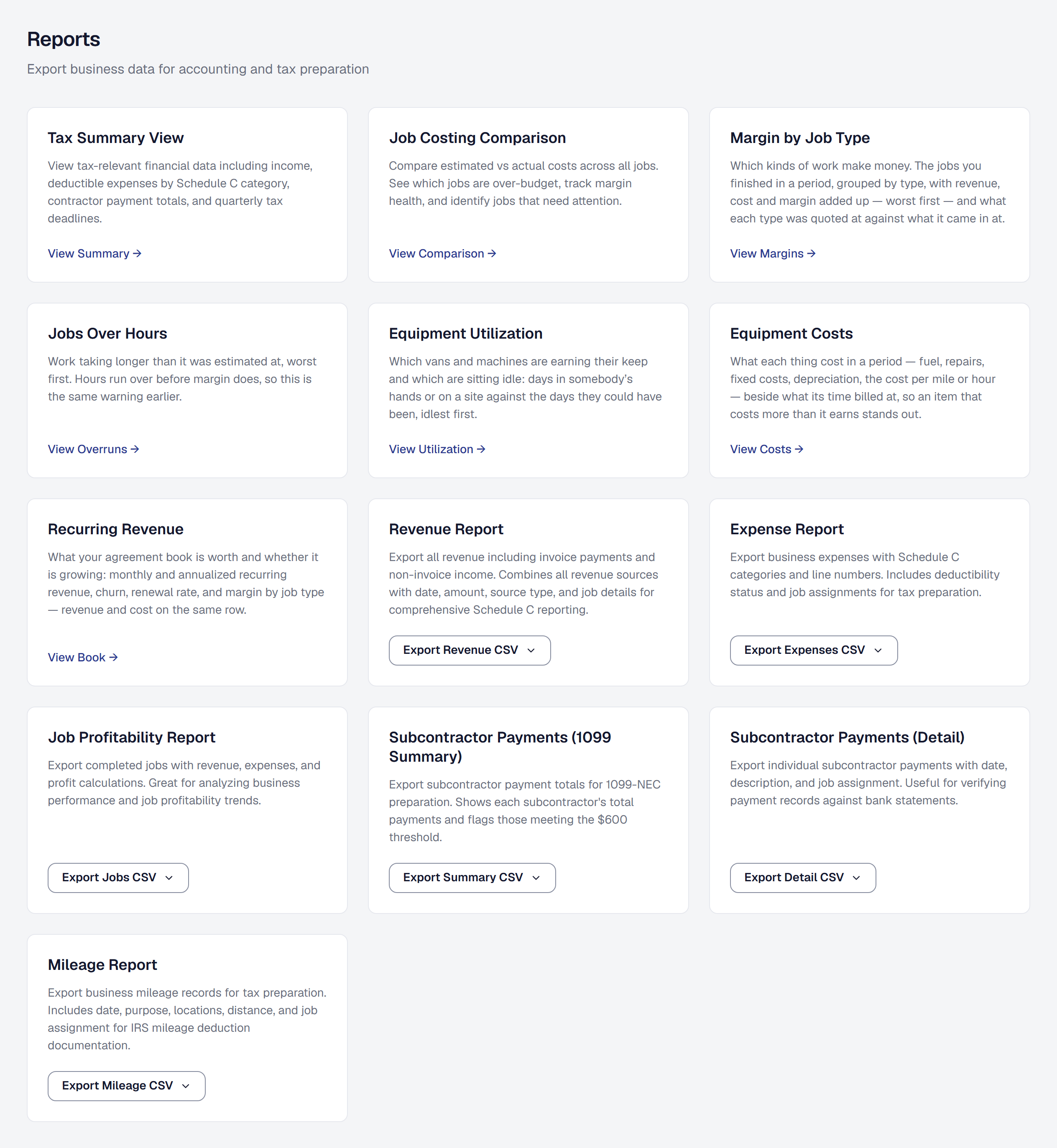
Mileage is logged per trip — date, purpose, distance, and the job it was for if any — and exported as a CSV for your accountant.
Expense categories now match the IRS Schedule C, so the year’s expenses land in the boxes the return asks for. A tax summary shows revenue, deductible expenses and an estimated set-aside for the quarter, so the estimated payment is not a surprise in April.
Contractors you pay are tracked with what you paid them across the year, and the report flags who has crossed the 1099-NEC threshold. Tax identifiers are deliberately not stored here; the report tells you who, and your accountant does the rest.