Accounting sync
Your customers, invoices, payments and costs sent to QuickBooks or Xero as they happen.
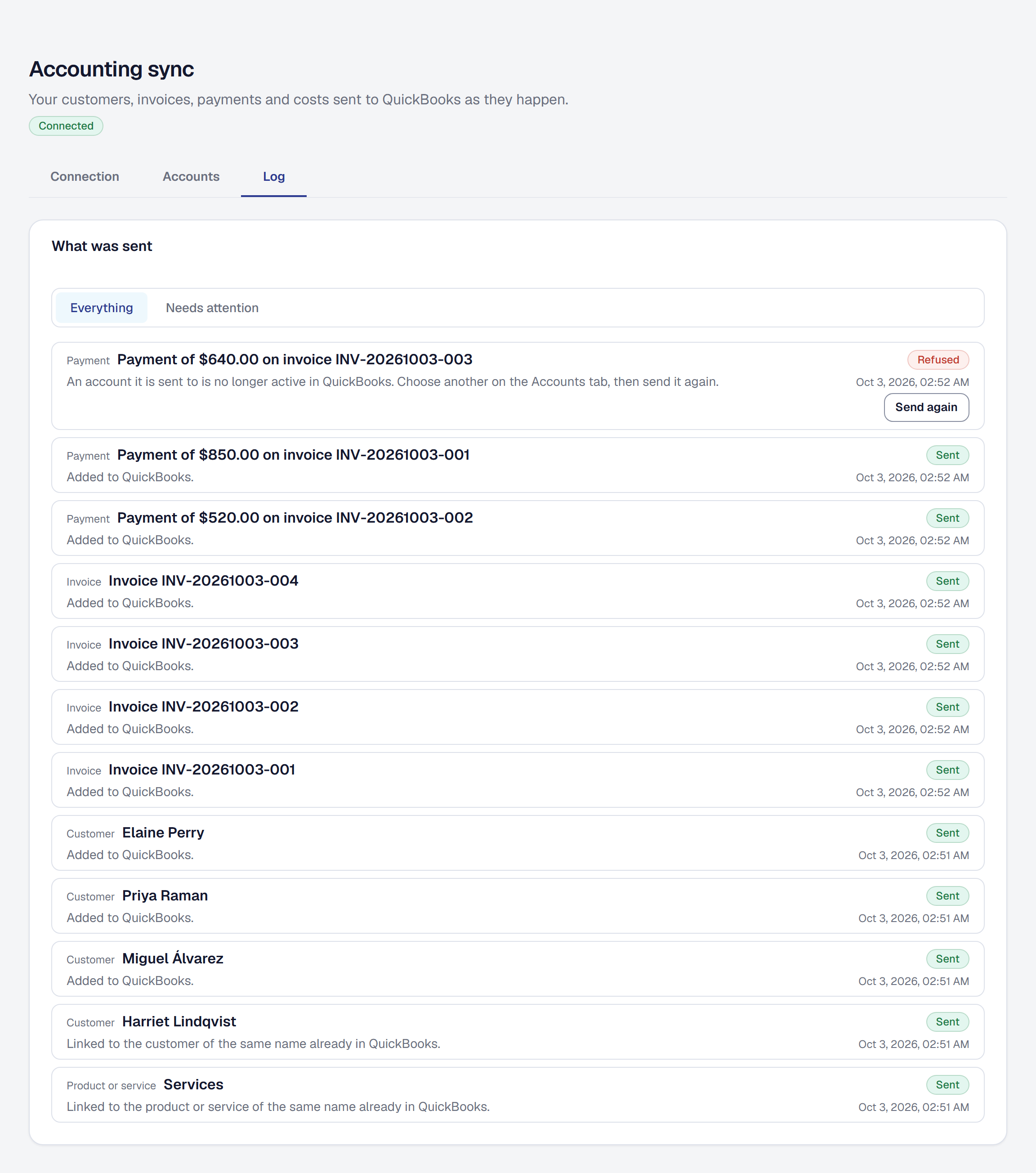
Connect QuickBooks Online or Xero and your books keep themselves: customers, items, invoices, payments, refunds, costs and payouts sent as they change, into the accounts you choose, with a log of what each one answered.
What it connects to
QuickBooks Online or Xero
What comes in
Nothing. Your ledger's accounts are read so you can choose where each kind of record goes; nothing else comes back.
What goes out
Your customers, items, invoices, payments, refunds, costs, income and payouts, as they change, from the day you choose.
Which plan
Included in Professional and Crew. Compare plans.
Trades
Every trade.