Sign in with your face, your fingerprint, or your phone's PIN
Passkeys on every plan: add one from your Security page, sign in with a glance and no code, and let a new crew member join from their phone without ever choosing a password.
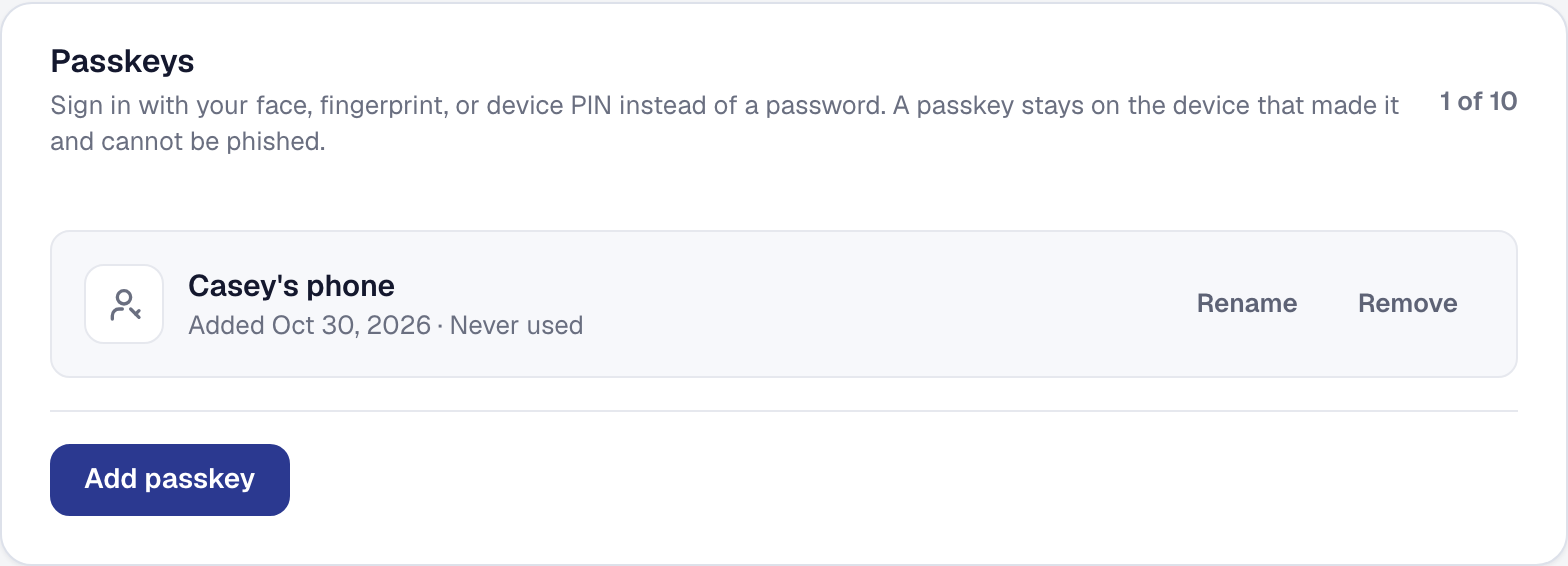
A passkey is the sign-in your phone already uses for your bank: a face, a fingerprint, or the device’s PIN, and nothing to remember. From Profile → Security → Passkeys, add one on each device you sign in from. After that, the sign-in page offers it inside the email field on the browsers that can, and with a Sign in with a passkey button everywhere else. One gesture, no code — a passkey is a second factor and a first at once.
It cannot be phished. A passkey is bound to this site and works nowhere else, so a look-alike page gets nothing. The fingerprint or face never leaves the device: what SMG Tools holds is a public key, a name for the device, and when it was added and last used. You can rename or remove a passkey any time, and the account always keeps one way in — the last cannot be removed.
The crew’s phone. A person you invite can finish joining with a passkey instead of choosing a password — the tap they already know, and no password to write on a sticky note. If the phone is lost, send them a new invitation from their row on the Team page: accepting it on the new phone sets up a passkey there and switches off the old one.
The “confirm it’s you” step in front of a sensitive change — a password, a second factor, billing, the archive — takes a passkey too. Everything here is on every plan.