Build your own reports — by hand, or by describing them
When the report you need is not one SMG Tools ships, build it from your own records: a chart, the records behind every figure, the period before, a PDF, saved for the business and sent on a schedule.
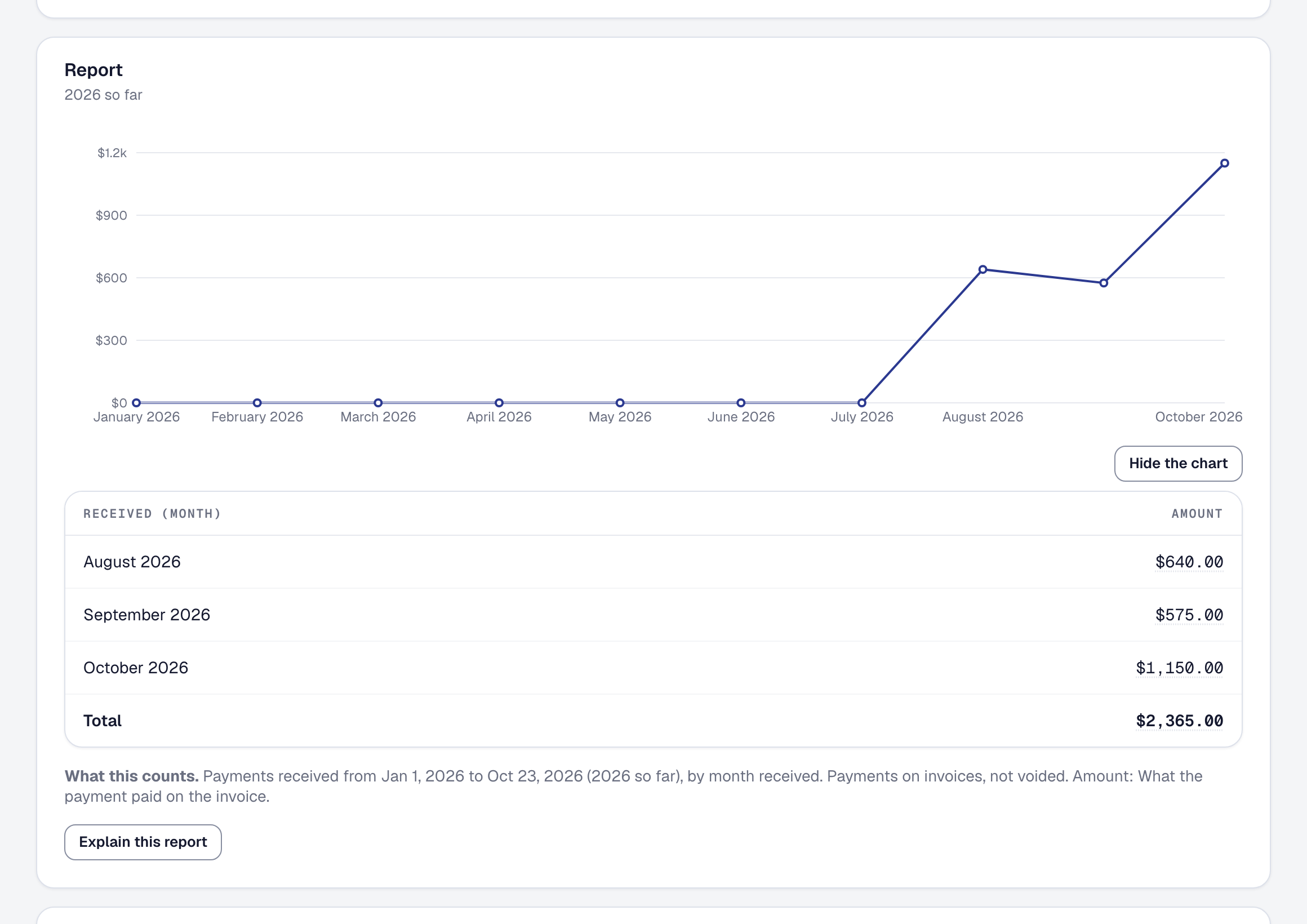
The reports SMG Tools ships each answer one question. Now, when yours is slightly different, you build the report yourself. On Reports, Your reports comes first, with New report: choose the records — jobs, invoices, payments, expenses, time, leads or clients — the period, filters, how to group them and the columns, and the report runs as you change it. Every figure is worked out the way the standard reports work it out, and What this counts says in a sentence exactly what the report is.
A grouped report draws itself as a line or bars. Any figure opens onto the records that made it, each with what it contributed and a link to it. Compare with the period before sets each figure beside the same days before it. Save a report for the business, print it as a PDF or take it to a spreadsheet as a CSV, and have it run every Monday or on the first of the month — whoever asked is told it is ready, in SMG Tools or by email, with a link and never the figures. Two reports come ready: Gross margin, the last 90 days and Estimates against what jobs took.
On Professional, Describe a report builds one from a sentence — revenue by month for the last year, only water heater jobs — and Explain this report writes a short paragraph over it, every figure checked against the report. The AI is sent your words and the list of fields, or the report’s own figures — never your records.
Building, saving, printing and scheduling reports are on every plan. How it all works is on the help page; what describing and explaining send is in the Privacy Policy.