An invoice on its own
Raise an invoice from the Invoices page without a job behind it — a service call, a small sale — and mark one sent when it went out another way.
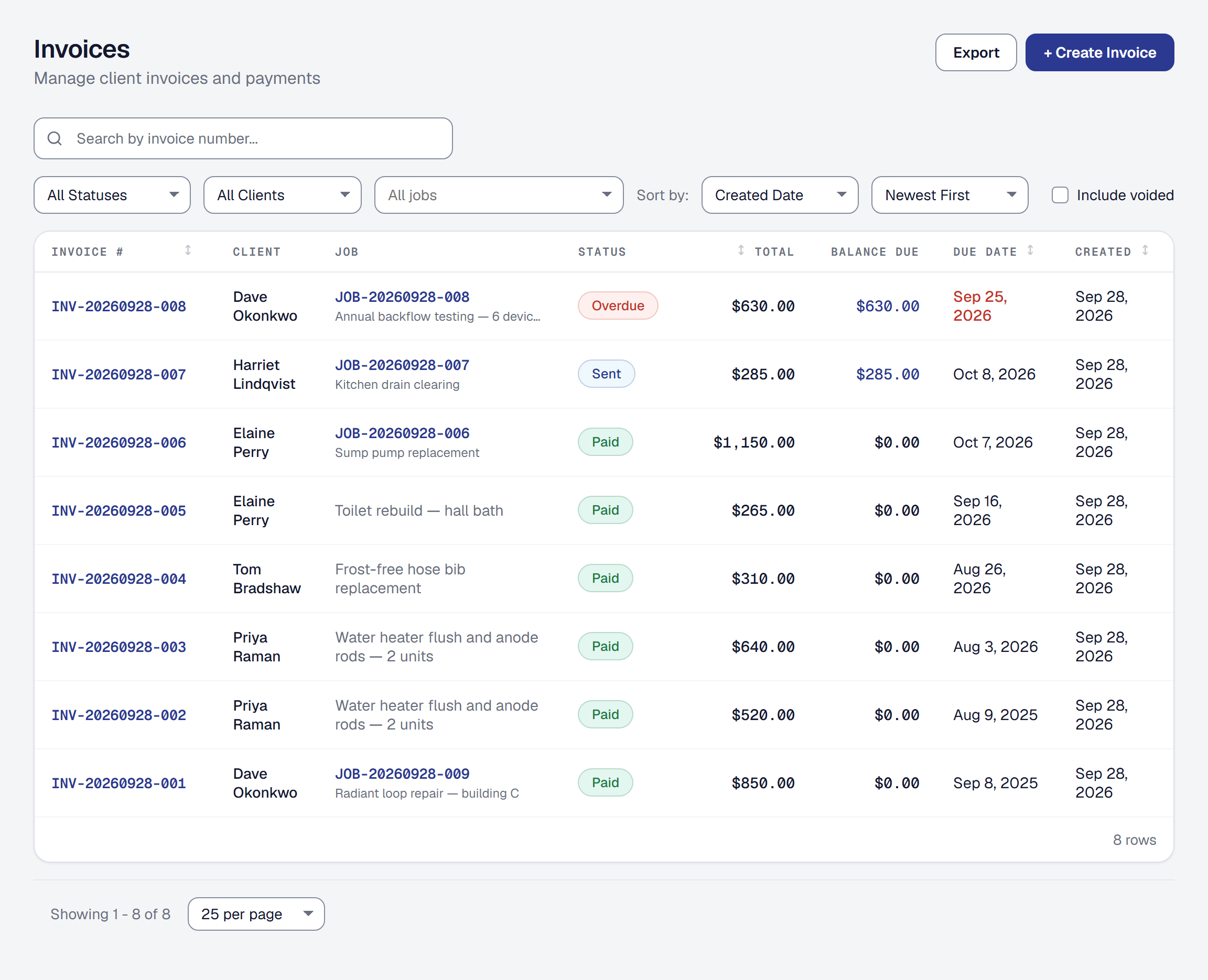
Invoices no longer need a job. From the Invoices page, pick a client, add lines and send: a service call billed on the spot, a part sold over the counter. Job-linked invoices carry on as before, with time and expenses flowing onto them.
An invoice you delivered another way — printed, handed over — can be marked as sent, so it counts as owed without an email going out.