A QR label on every unit you service
A QR label for a client's furnace or water heater: anyone who scans it sees who services it and can ask for service, and the client sees its history. On every plan.
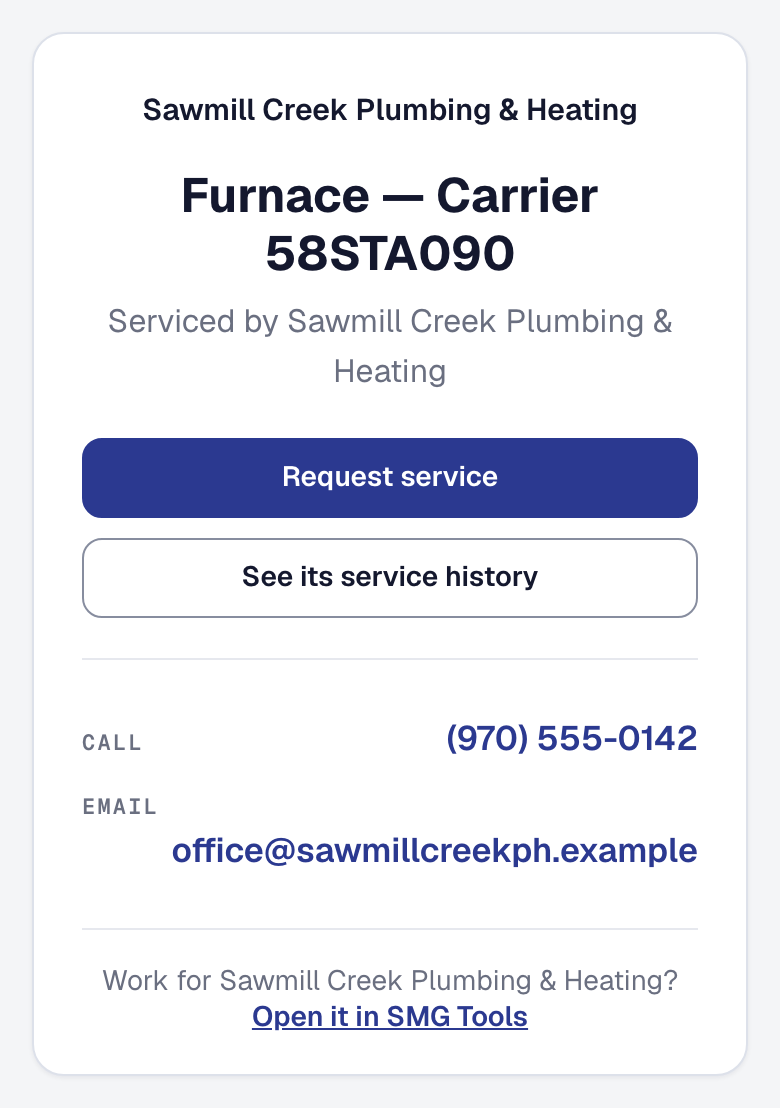
The furnace in the basement now carries a way back to you. On a client’s Units, Print labels makes a QR label for each unit — thirty to an Avery 5160 sheet, starting wherever a used sheet left off, or one at a time on a label printer in the truck. Each names the unit, says Serviced by your business with your phone, and asks to be scanned for service. It names no client, no address and no serial.
Whoever scans it — the homeowner, a tenant, the property manager’s maintenance person, the house’s next owner — sees the unit and who services it, and Request service opens your request form with Service on the furnace (Carrier 58STA090) already written. Where you take bookings online, Book a visit does the same with a time. The request reaches you as a lead that says which unit, and whose. It is filed under the client when the email or phone is theirs; anybody else’s is yours to place, and a job made from it for the unit’s client lands on the unit’s history.
The client on record can press See its service history: a code goes to the contact you hold for them, as their client page asks, and their page opens on the unit — what it is, its warranty, when it is next due, and every visit that touched it.
Your own people scan it with the SMG Tools app and land on the unit’s page, or for the crew its sheet with the last three things done to it. Retire a label when a house is sold or a sticker is painted over, and its code stops for good. See Label a unit.