Bring in your old system's history, counted in nothing
Your old system's jobs, invoices, payments and hours, from its own export, kept on each client as history — searchable, and read by no figure. On every plan.
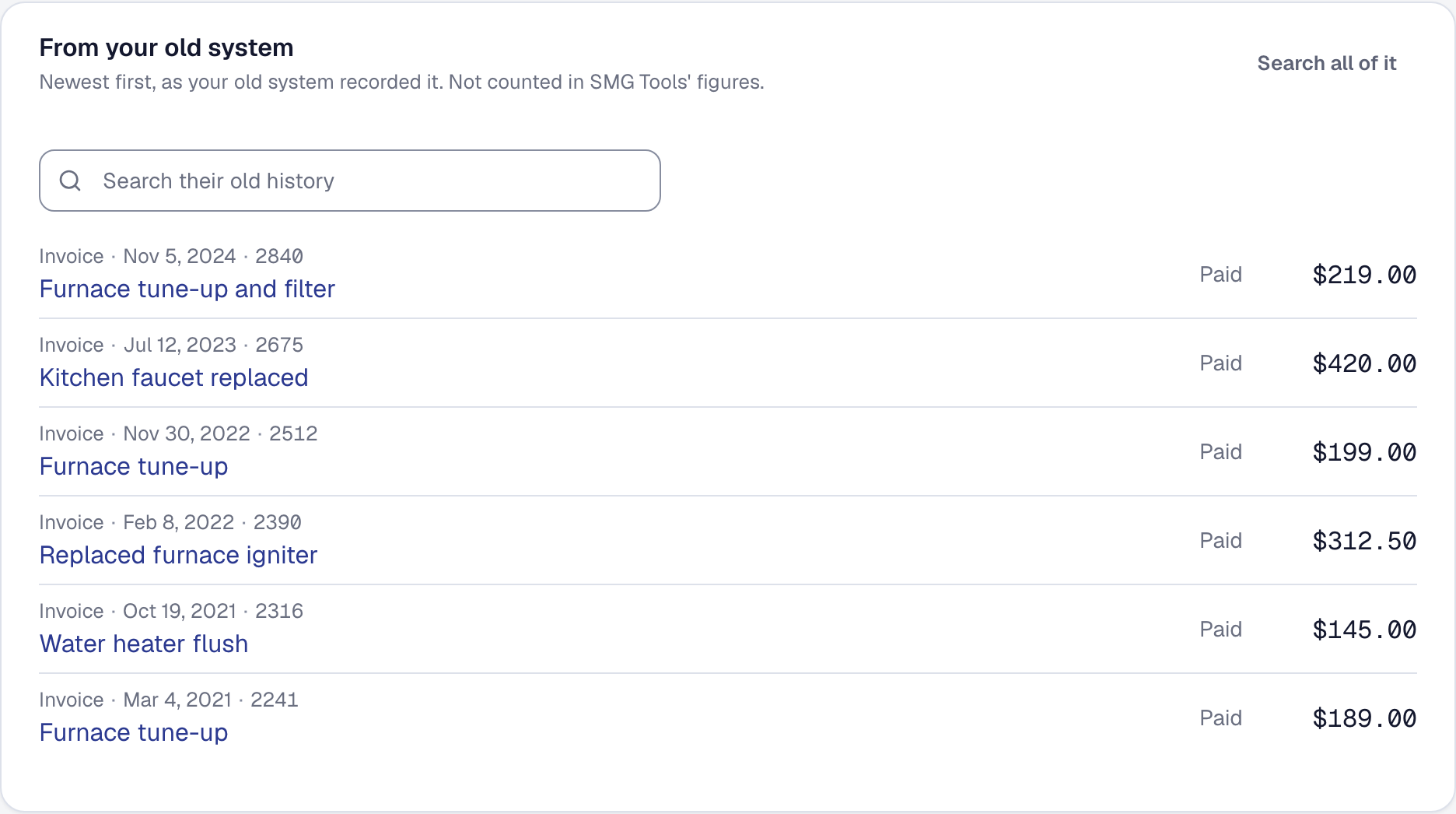
Switching left a gap. A customer calls — when did you last do our water heater? — and the answer was in the system you were trying to stop paying for. Now that history comes with you.
On Import & export, Your old system’s history takes the old system’s own export as it is, with no template to copy it into. Say what it holds — jobs, invoices, payments, time, or several kinds — and Match the columns: each column is shown with three of its values and guessed by its name, Jobber’s and Housecall Pro’s headings included. Change any that are wrong; the next file with the same columns is matched the way you confirmed. On Professional, Read it for me has the AI read a file whose names say little and match it for you to check. The whole file is checked before anything is kept.
Each row goes on the client it names — found by email, then phone, then name — and shows on their Work tab under From your old system; their Overview says how far back the old system knew them. The History archive searches every row, and lists the ones no client was found for, grouped by the name the old system gave, to Match by hand — or undo.
None of it is counted. The rows are never jobs or invoices here, so no report, no Getting paid, no sales tax figure and no accounting push ever reads them, and when the assistant or your own AI app looks one up, it says it came from your old system. Remove an import and every row it brought goes with its file.