Connect a program with an API key
Give Zapier, your website or a developer's program a key to read and write your clients, jobs, leads and appointments, only as far as you allow.
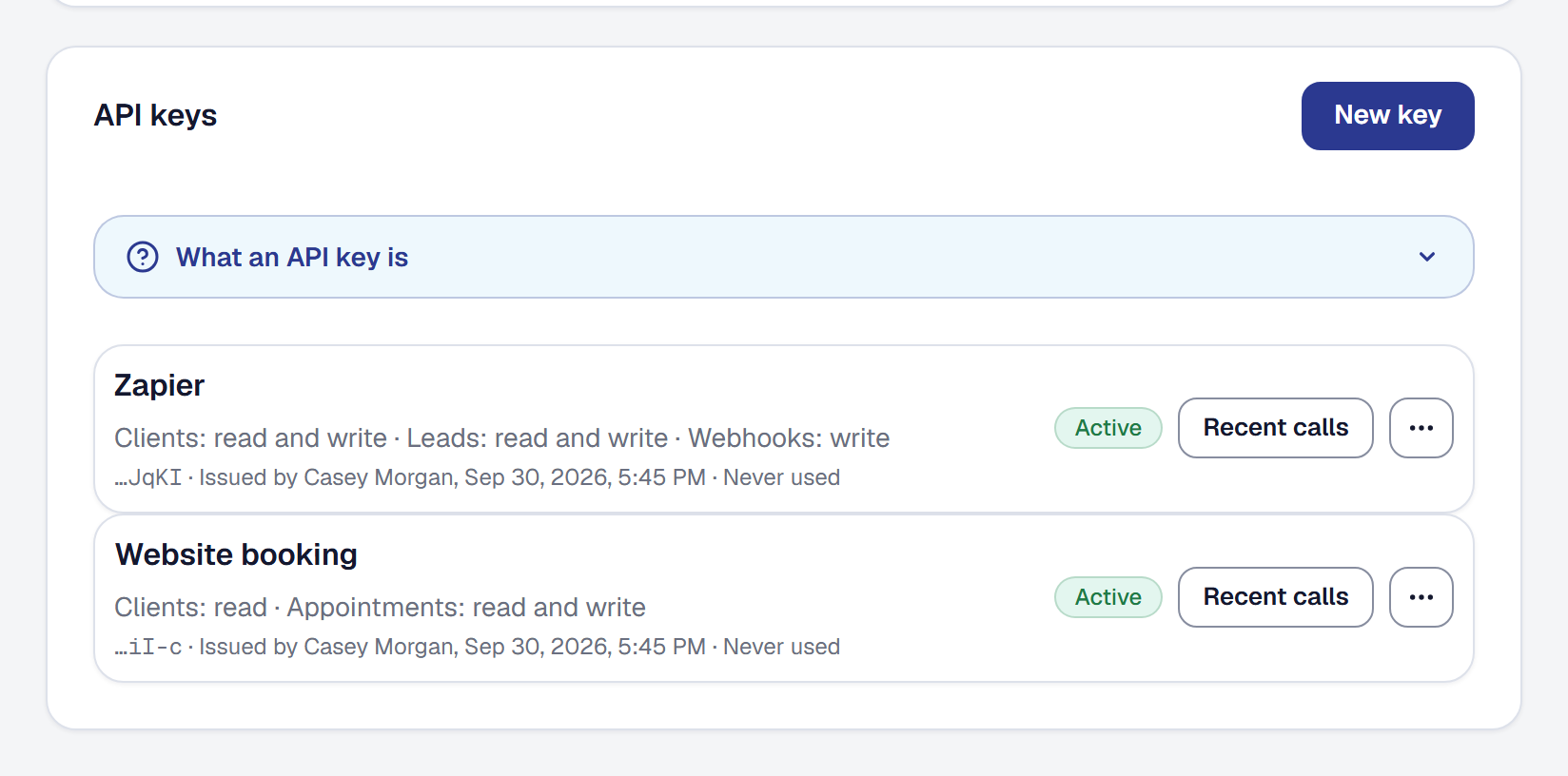
An API key lets a program you choose work with your records without anybody copying them across: Zapier adding every new lead as a client, your website booking visits straight onto your calendar, a script a developer wrote reading your jobs each night. You decide what each key may do, you can see what it has done, and you can stop it at any moment.
Give a program a key
Open Integrations and, under API keys, choose New key.
- Name it for what will use it — Zapier, Website booking. Up to 60 characters. Anything the key adds or changes is recorded under this name, so the history of a client it added reads Zapier (API key).
- Tick what it may do (see the next section).
- Choose Create key. You may be asked for your password first, as you are before any change to who can reach your account.
The key is shown once. Copy it into the program that will use it, or send it to the developer building one, and choose I have copied it. If it is lost, revoke it and make another — nobody, including us, can show it to you again.
Keys are on every plan. A business can have twenty working keys at once.
Choose what a key may do
Each kind of record has its own tick, so a key can do exactly what its program needs and nothing more:
| Records | Read | Write |
|---|---|---|
| Clients | See them | Add them and change their details |
| Jobs | See them | Create them, change them and move their status |
| Leads | See them | Add them and move them along |
| Appointments | See them | Book, reschedule and cancel them |
| Invoices | See them, with their payments and balance | — |
| Webhooks | — | Subscribe to events and remove what it subscribed to |
Ticking Write ticks Read with it, because a program cannot change what it cannot see.
A key sees your whole business, the way a Manager does, and what it writes goes through the same rules as your own work, with the same effects: a job it completes runs your automations for a completed job, and an appointment it books, moves or cancels tells your client just as one you booked would. A key never charges a card, refunds, deletes a client, a job or anything else you made, or sends an invoice or a proposal. Invoices can only be read, so money only moves through your console and your customers’ own pages.
To change what a key may do, make a new key with the right ticks and revoke the old one.
See what a key has been doing
Each key on the list shows what it may do, who issued it and when, the last four characters of the key, and when it was last used — or Never used.
Choose Recent calls to see its log: when each call was made, what it asked for, and how it was answered, for the last thirty days and up to its last five hundred calls. Nothing it sent or was sent is kept, so no customer’s details are in the log. A run of refusals usually means the program is asking for something its key was not allowed.
Rename or revoke a key
From the menu beside a key:
- Rename changes its name, and the history of what it already wrote shows the new one.
- Revoke stops it the moment you confirm, and the program is told its key was revoked. The key stays on the list as Revoked, so the records it made still say who made them. You may be asked for your password first.
Revoke a key when you stop using the program, when somebody who had it leaves, or whenever it may have leaked. Anyone holding a key can do what it allows, so keep it as you would a password.
A webhook a program subscribed to with its key keeps sending after you revoke the key, until you delete it on the same page — see Have other software told what happened.
Who can manage keys
Only an Owner issues, renames and revokes keys. A Manager sees the keys, what each may do and their recent calls, and changes nothing. Field members do not see the Integrations page.
Hand the key to a developer
Everything a developer needs is at API for developers: every address, field and scope,
the errors, paging and limits, with an example for each. A program sends the key with every request to
https://smg-api.smgtools.com/v1. Each key may make 120 requests a minute, and your business 600 a
minute across all its keys.
This page describes API Keys and the Public API. It is written from that feature’s record and covers what has shipped, never what is planned.