Time tracking
Log hours against a job in quarter-hour steps, mark what is billable, and turn billable time into an invoice line.
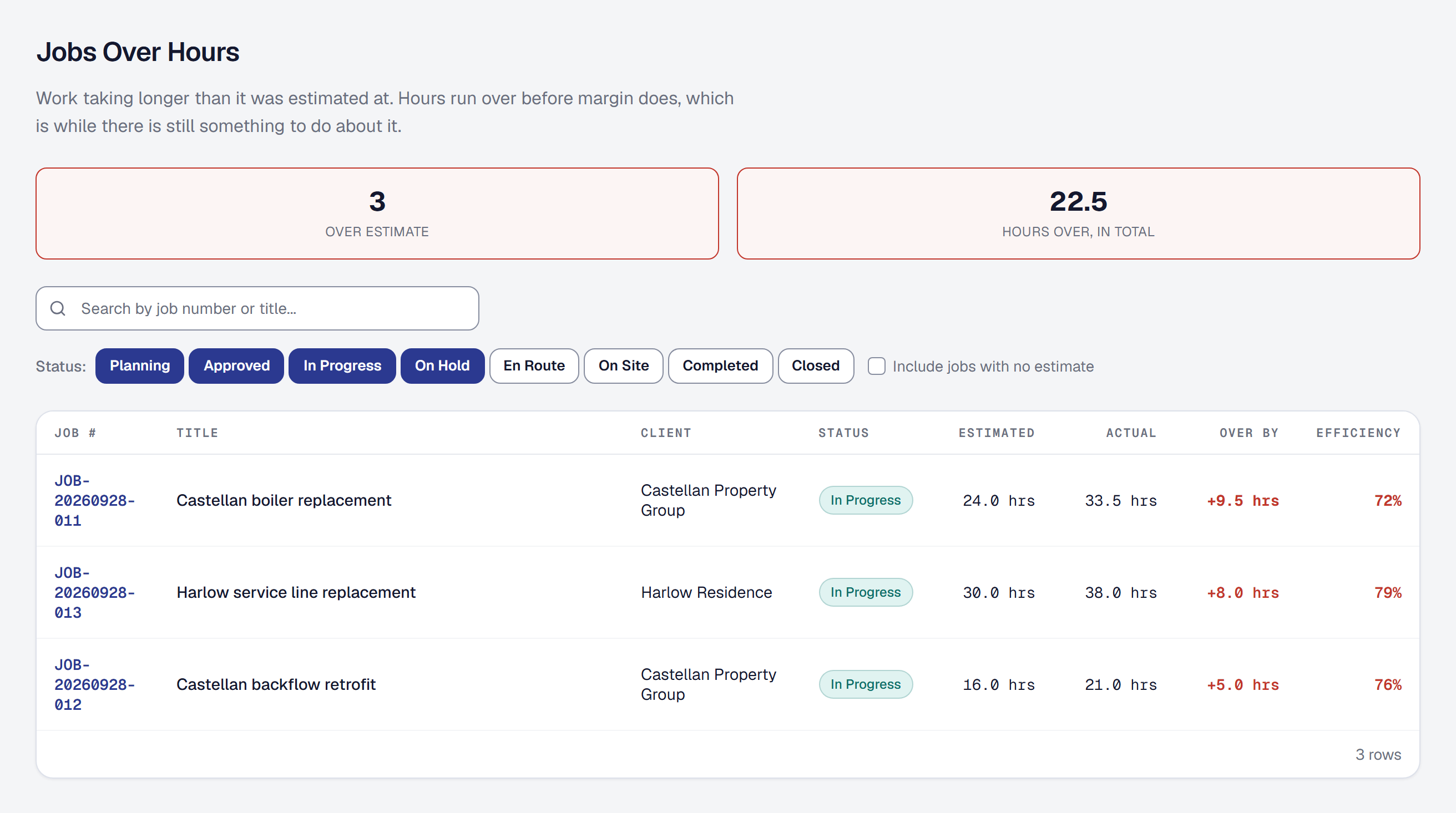
Time tracking is how the hours you work become both a bill and a cost. Every entry belongs to a job, carries the rate it was worth at the time, and can be invoiced without you re-typing anything.
Log time against a job
Open Timesheets, or the job itself, and add an entry. Time is recorded in quarter-hour steps, with a quarter of an hour the smallest you can log.
Every entry belongs to a job. There is no such thing as a floating time entry here, because an hour that is not against a job is an hour that cannot be billed, costed or reported on.
An entry can also say which of the job’s visits it was worked on — pick it under Visit, or leave it at None. Time the crew clocks from a visit on their phone carries that visit by itself, so on a job of several visits you can tell the hours apart by the day they were worked.
Clock a crew in at once
A crew lead — the Crew lead role on Crew and Scale, or a role you build on Scale with Lead the crew on my visits — can start the whole crew’s clocks with one tap from a visit on My Day. Under Your crew, Start everyone starts each person’s own clock on the visit, the lead’s included, exactly as starting them one at a time would. Somebody whose clock is already running — on this job or another — is left as they are and named, so nobody ever has two clocks going. Stop everyone stops the clocks running on the visit’s job; a clock on another job is that person’s to stop. A week the office has already approved is skipped, and the lead is told so, because it is not theirs to add to. Each shows on a visit with more than one person, and only while it has somebody to start or stop.
Every entry made this way lands on the visit, as clocking in from the visit yourself does. To clock one person in or out, or record their time by hand, see Run the crew on a visit.
Mark what is billable
Each entry is billable or not. Billable time can be put on an invoice; non-billable time cannot.
Both are still recorded, and that matters. Non-billable hours are the ones that quietly eat a job’s margin — the return trip for a part, the hour waiting for an inspector — and a system that only tracks what you can charge for will tell you every job was profitable.
Understand where the rate comes from
A billable rate cascades down and then stops moving:
- Your organization’s default rate, set in your settings.
- The job’s rate, filled in from the organization’s when the job is created, and overridable per job.
- The entry’s rate, filled in from the job’s when the entry is created, and stored on the entry permanently.
That last step is the important one. Raise your rates and every hour already logged keeps what it was worth at the time. Last year’s job does not silently become more profitable because you put your prices up, and a client querying an old invoice gets the number they were actually charged.
Turn hours into an invoice
Billable time on a job can be pulled onto an invoice as lines. Once time has been invoiced it becomes read-only — you cannot quietly edit an hour somebody has already been billed for.
If something was genuinely wrong, the invoice is the thing to correct.
The dashboard’s Unbilled time lists the billable hours on no invoice yet, on jobs you bill as you go. A job agreed at a price is billed by that price, not its hours, so its time is never waiting there.
Void an entry rather than deleting it
Time entries are voided, never deleted. A voided entry drops out of the totals and stays in the record, so a timesheet that changed still explains why.
See what it cost you
Logged hours feed the job’s costing at the cost rate for that kind of labor, separately from what you charged. That is what makes the margin on a job real rather than an estimate — see Job costing and margins.
This page describes Time Tracking. It is written from that feature’s record and covers what has shipped, never what is planned.