Your Thumbtack leads arrive on their own — with their conversation, and what each one cost
Connect Thumbtack and each lead is on your Leads page within seconds. Reply from SMG Tools, Thumbtack hears how the work went, and each lead's price is counted against what it earned.
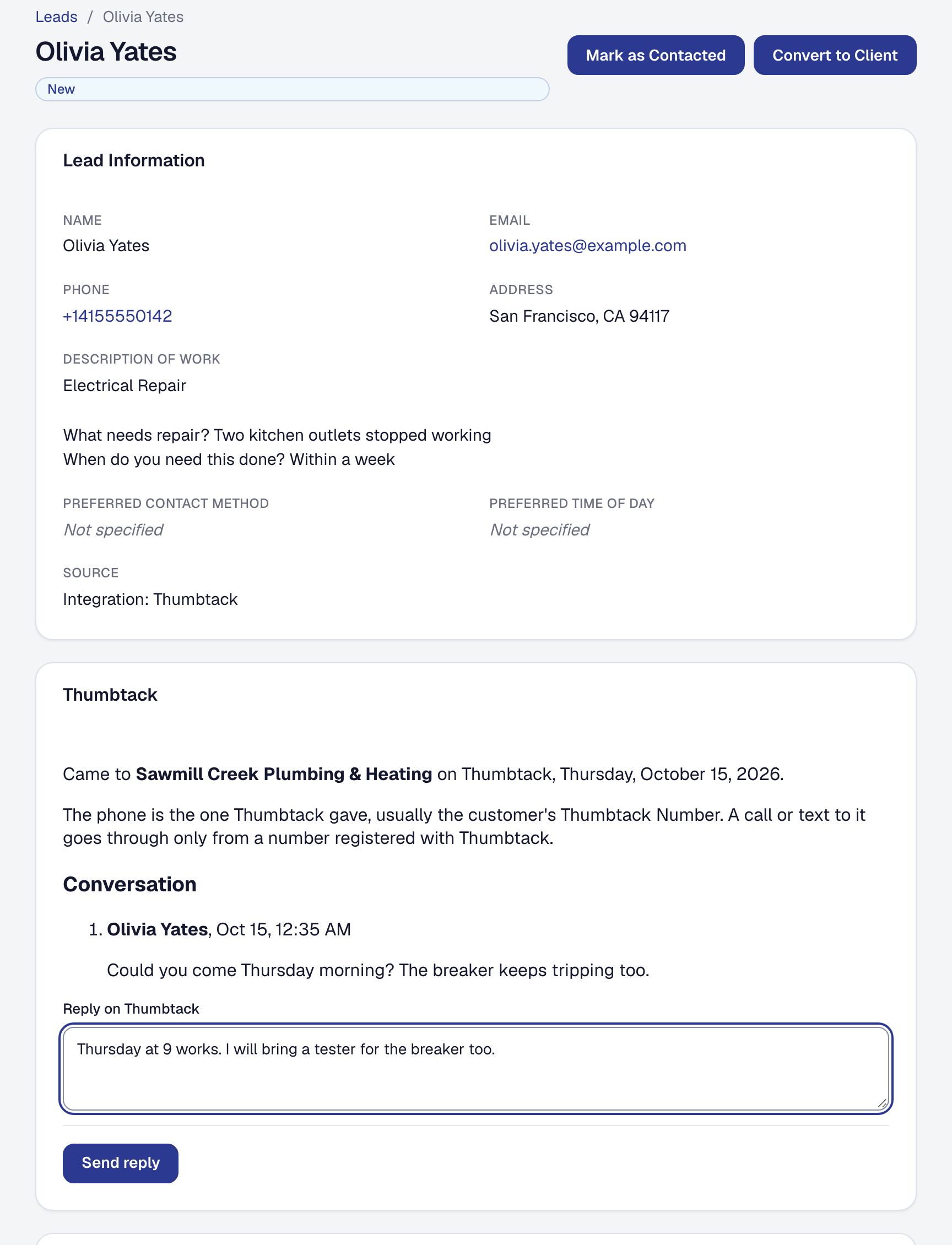
You no longer retype Thumbtack leads. The Owner connects Thumbtack once, from Organization → Integrations, and each new lead is on your Leads page within seconds: the customer’s name and contact details as Thumbtack shares them, their city, and their request question by question. It is a lead like any other — the new-lead email, the pipeline, converting it to a client — and SMG Tools checks Thumbtack every hour for any that did not arrive.
The conversation comes with it. The customer’s messages, your replies and the replies you send from Thumbtack’s own app are on the lead in one place, and on the client once it converts; you reply from SMG Tools and the customer reads it on Thumbtack. Your business’s numbers, and the phone of anybody who chooses to register theirs, are registered with Thumbtack, so your calls and texts reach a customer’s Thumbtack Number.
Thumbtack hears how the work went — booked, done, paid with the amount, or called off and by whom — with the time it happened here, and nothing else about the job. And each lead’s price is recorded as an Advertising expense, a refund voiding it, so Where your profit comes from shows what Thumbtack’s leads cost, what each lead and each job won cost you, and what you kept. If your card statement already brings Thumbtack’s charges in, switch that off on the card.
Thumbtack is on Professional. How it works is on the help page. What it shares is in the Privacy Policy, section 4.24.