Telling your customer somebody is on the way
When the crew taps On my way, your customer gets a text and a page showing who is coming, when, and what van to look for.
Watch it

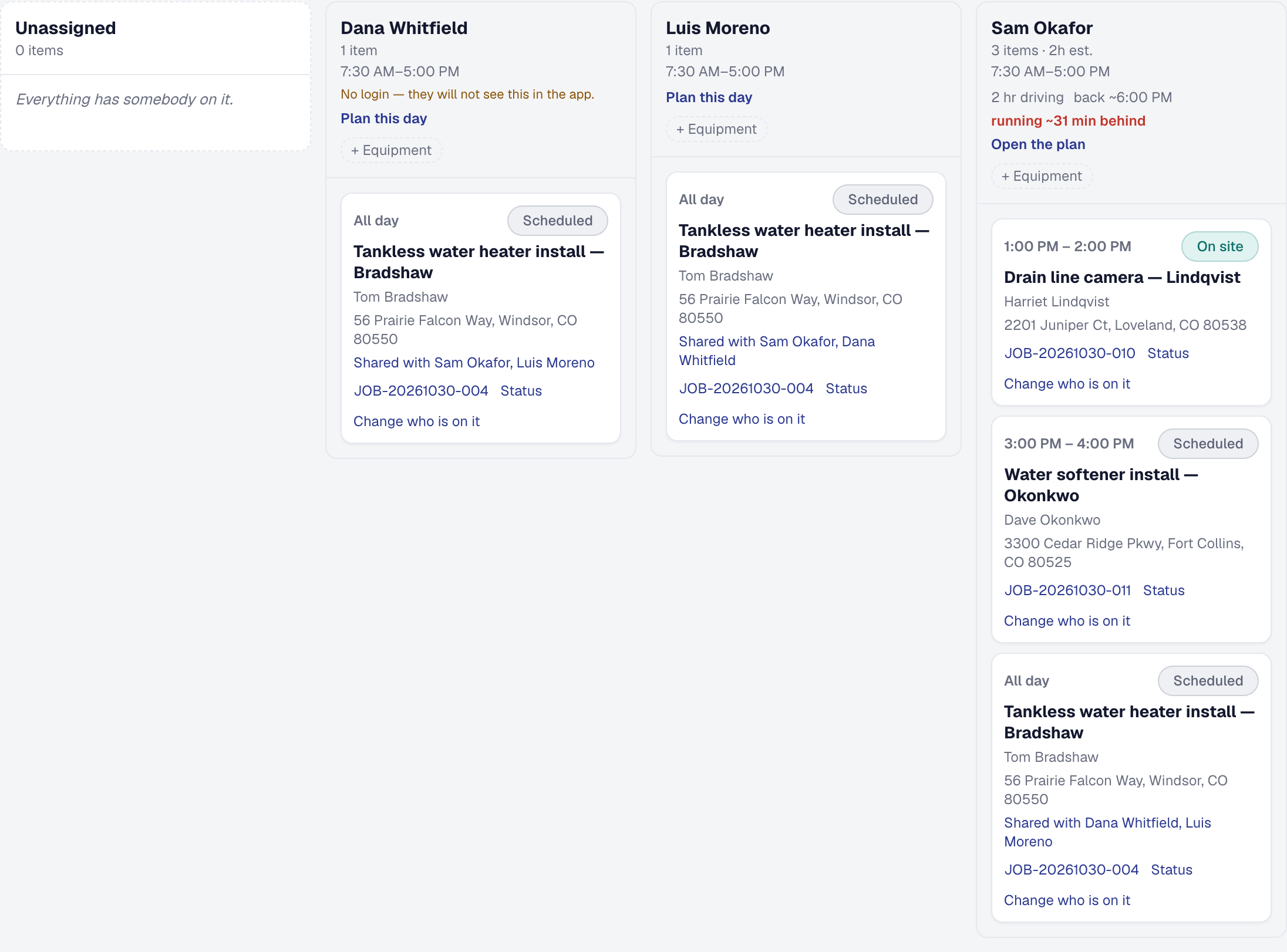
A customer who has booked a visit spends the morning not knowing whether anybody is coming. You know precisely — the crew taps On my way on the visit, the Day Board updates, the visit records it — and until now nobody outside the office was told.
This is the other end of that tap. It belongs to the visit, not the job: on a job that takes several days, every morning starts fresh, and each day’s On my way sends its own text.
What your customer gets
When somebody sets off, your customer gets a text saying who is on the way, with a link to a page showing:
- Their name and photograph.
- What they specialize in.
- The appointment window.
- The service address.
- The van to look for.
That turns an unknown vehicle in the drive into a person somebody is expecting.
For a client with several buildings, the text goes to the site contact of the building the visit is at — the superintendent who opens the gate — and to the client when the building has none (see Add the people to reach).
What happens when the crew arrives
When the crew taps I have arrived, the visit is on site and the page stops describing a journey: it becomes a confirmation — they are here. Each visit has its own page, so next week’s visit still reads booked while today’s reads arrived. A visit the office marks missed tells your customer it is not happening, as a canceled one does.
When the link stops working
A week after the visit is done — or the job is finished — the link stops working. It described one visit, and a link that outlives its purpose is a link somebody forwarded to a stranger.
See The links you send clients.
Control what is shown about your people
The name, photo and specialty come from what you chose to publish on that worker’s profile — see What your client sees about your people.
Nothing else from a worker’s record is ever shown. A worker with nothing published is not described.
What it costs
The tracking page itself is on every plan. Sending the text needs Professional, because a message costs per send — see Text messages and consent.
The text is off until you switch it on, on On the way’s own page — Tools → On the way → Settings — with your business’s texting on, under Organization → Texting. It goes only to a mobile number that has not opted out, once per visit, however many times the status moves after — a rule the product applies rather than something you have to remember.
Add it, or put it away
On the way is one of the tools your business chooses: the owner adds it, or removes it, under Tools in the main menu — see Your tools. Its page holds Running behind: how far behind the plan the crew has to be, from their own taps, before the next customer and the office are told — fifteen minutes until the owner changes it. The Day Board, the plan and the crew’s day show a delay from its first minute; the running-behind text, where it is switched on — in Automations, or under Works with on On the Way’s page, the same switch — goes out at that point. The on-my-way text and the running-behind text go out only while it is on, and so does the tracking link in the emails your client gets about a visit and on their hub. A link already sent still opens. Removing it deletes nothing you have recorded; add it back and everything is where you left it, its settings included.
This page describes Customer Tracking — The Page the Customer Opens. It is written from that feature’s record and covers what has shipped, never what is planned.